Codex
codex plugin marketplace add MylesMCook/grasshopper --ref marketplacecodex plugin add grasshopper-macos@grasshopper-marketplaceStart one private Grasshopper server first, then install a connector on each machine that uses it.
Download server for macOS (macOS Apple silicon; Windows and Linux x64). Check the release’s SHA-256 sums, extract the archive, and open a terminal in the extracted folder.
./bin/grasshopper-server --quickstartKeep that terminal open. Quickstart creates private storage and prints the memory-view address and owner access-token file location. Open the memory view on this machine, then read that file locally to sign in. Never paste its token into an agent chat.
Keep the server on loopback and use your existing private HTTPS proxy. Add --allowed-proxy-host <name>.ts.net to the quickstart command using the proxy’s exact hostname. Follow the hosting guide before connecting remote agents.
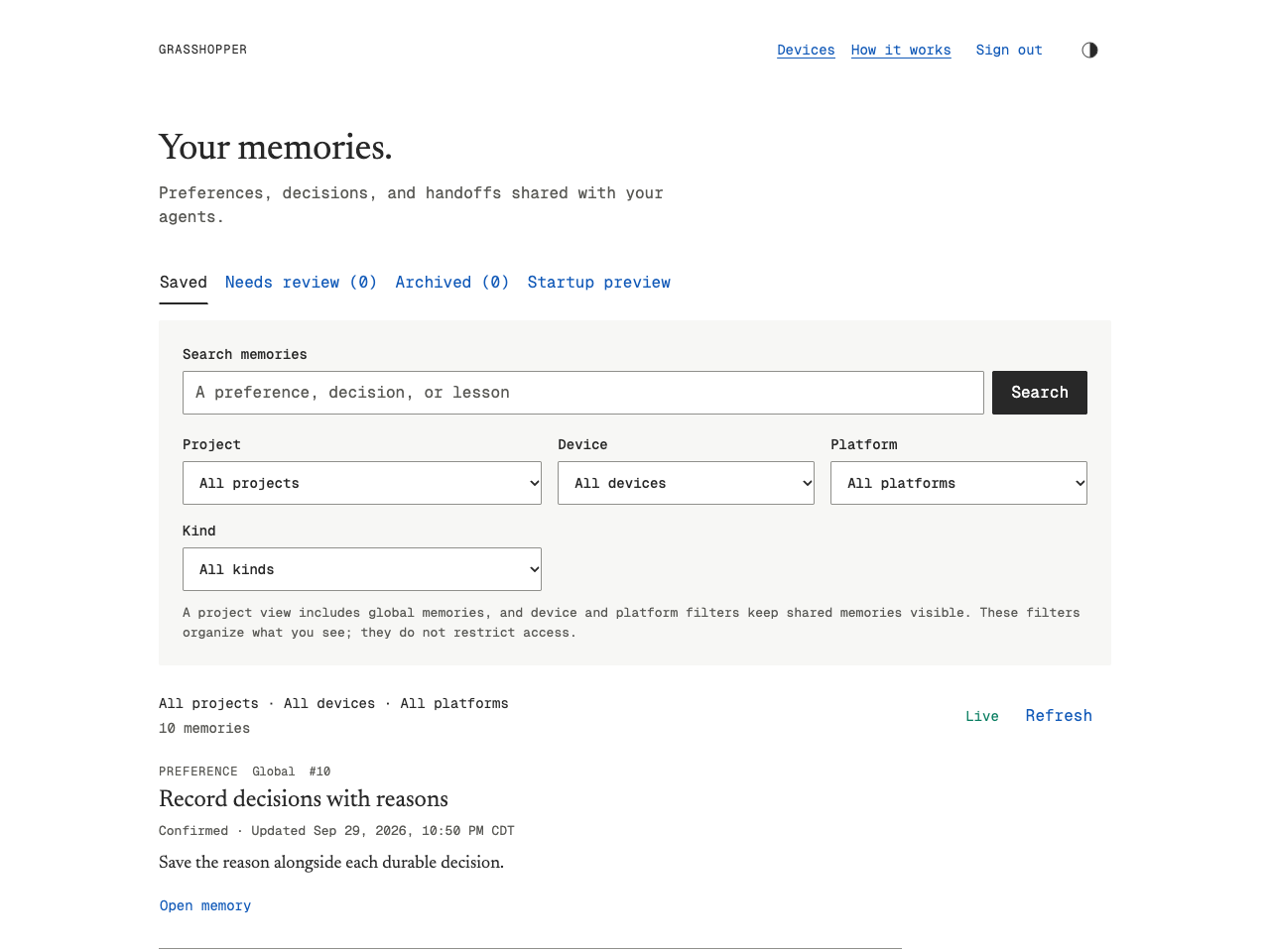
Ask the agent: Connect Grasshopper. On a new machine, give it your private server link when asked. Open its approval link in your signed-in memory view, match the device and code, then approve. No token goes through the agent.
A connection check shows the registered device and approval state. If the server is offline, your saved connection stays in place. Windows agents share one connection under your user profile.
Codex may ask you to trust its hook and allow network access to your private server; Cursor may ask you to enable Grasshopper MCP. Start a fresh session after that native step. The connection is reused by agents on this machine.